Caddy
Caddy is a web server and reverse proxy that I use to route requests to my SaaS applications. It sits in front of services such as VetSpace and DigiPulse, connecting public domains to applications running in Docker.
How I use Caddy
- Request routing — forward traffic to the application or container responsible for a domain.
- HTTPS — automate certificate issuance and renewal for configured domains.
- Readable configuration — keep proxy rules in a Caddyfile so I can review changes alongside application deployments.
HTTPS and tenant routing
Automatic HTTPS depends on correct DNS, certificate validation and persistent certificate storage. Certificate failures still need monitoring. The application must also identify the clinic and enforce access permissions; a reverse proxy does not provide tenant isolation on its own.
Where Caddy fits
For my Docker deployments, Caddy provides a manageable entry point without a large proxy configuration. I still plan timeouts, forwarded headers and access logging around the needs of each service. Those details matter when tracing a failed booking request across the proxy and Laravel API.
Projects using Caddy
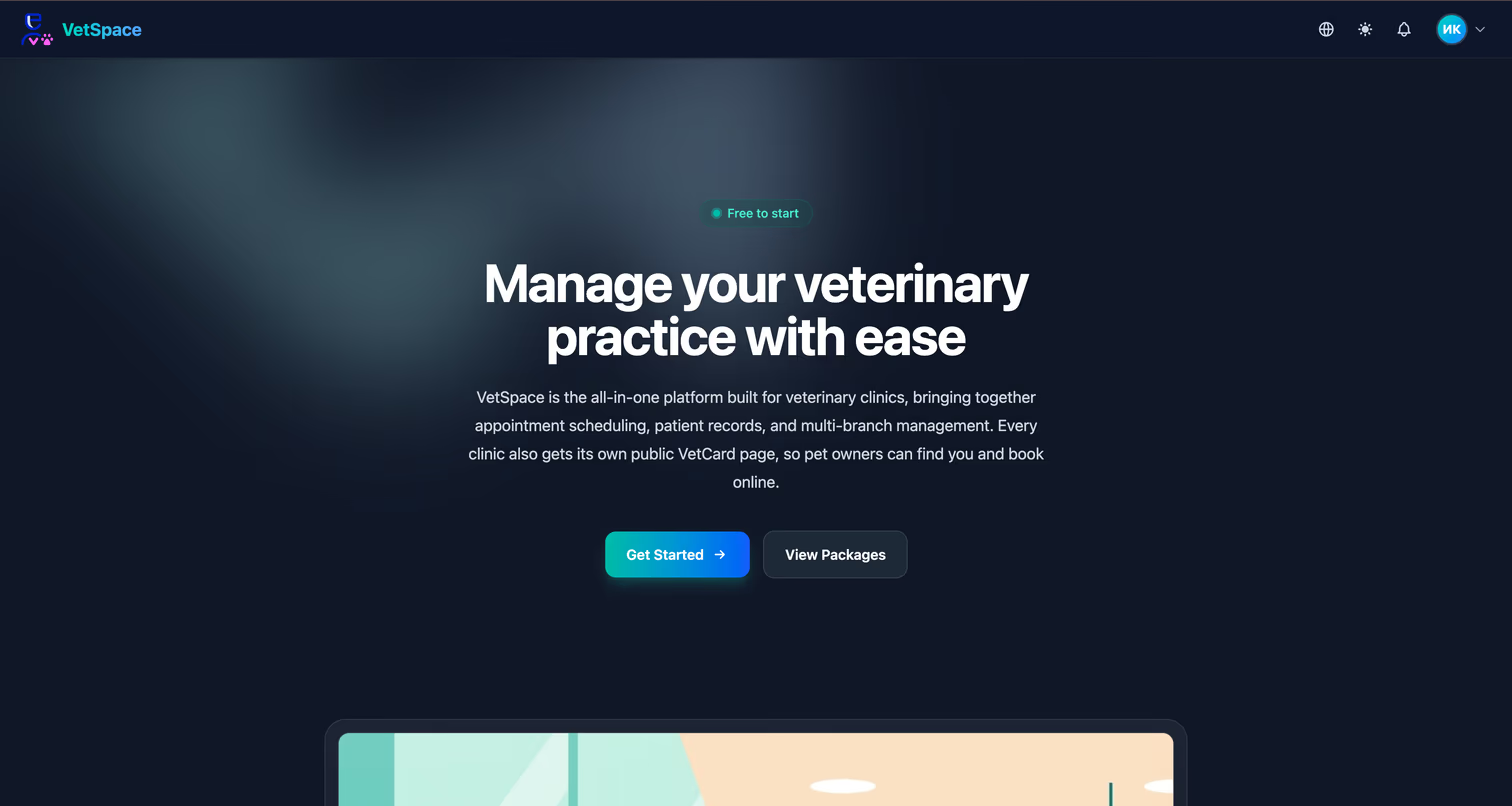
VetSpace
A two-sided veterinary platform — an SEO clinic catalog and a subscription-based CRM with appointments and patient records
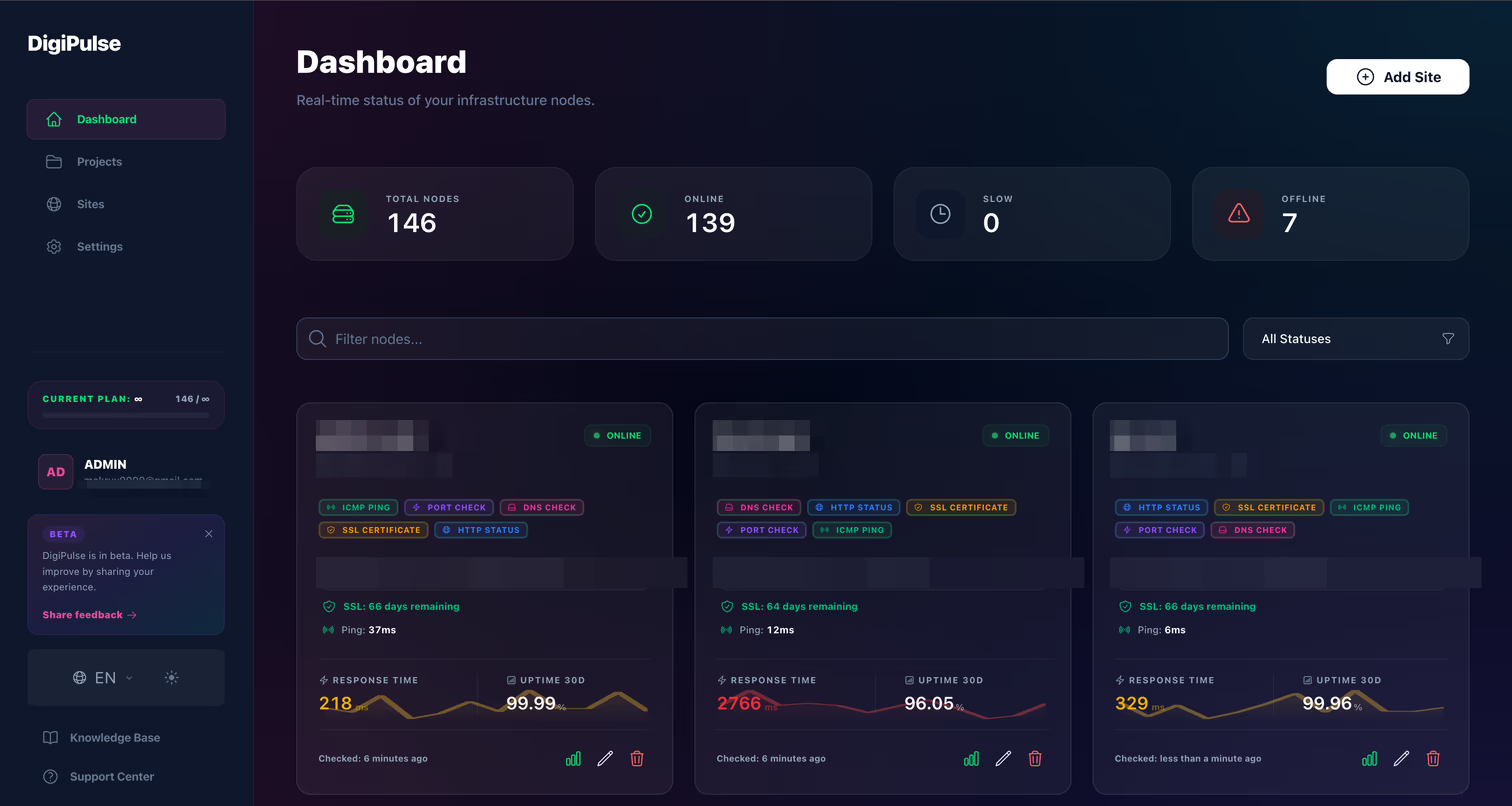
DigiPulse
Uptime monitoring SaaS: event-driven architecture — Laravel (Octane, Reverb) + Filament dispatch checks through Redis to a lightweight Go worker; an MCP server exposes monitoring data to AI assistants; Telegram/email alerts
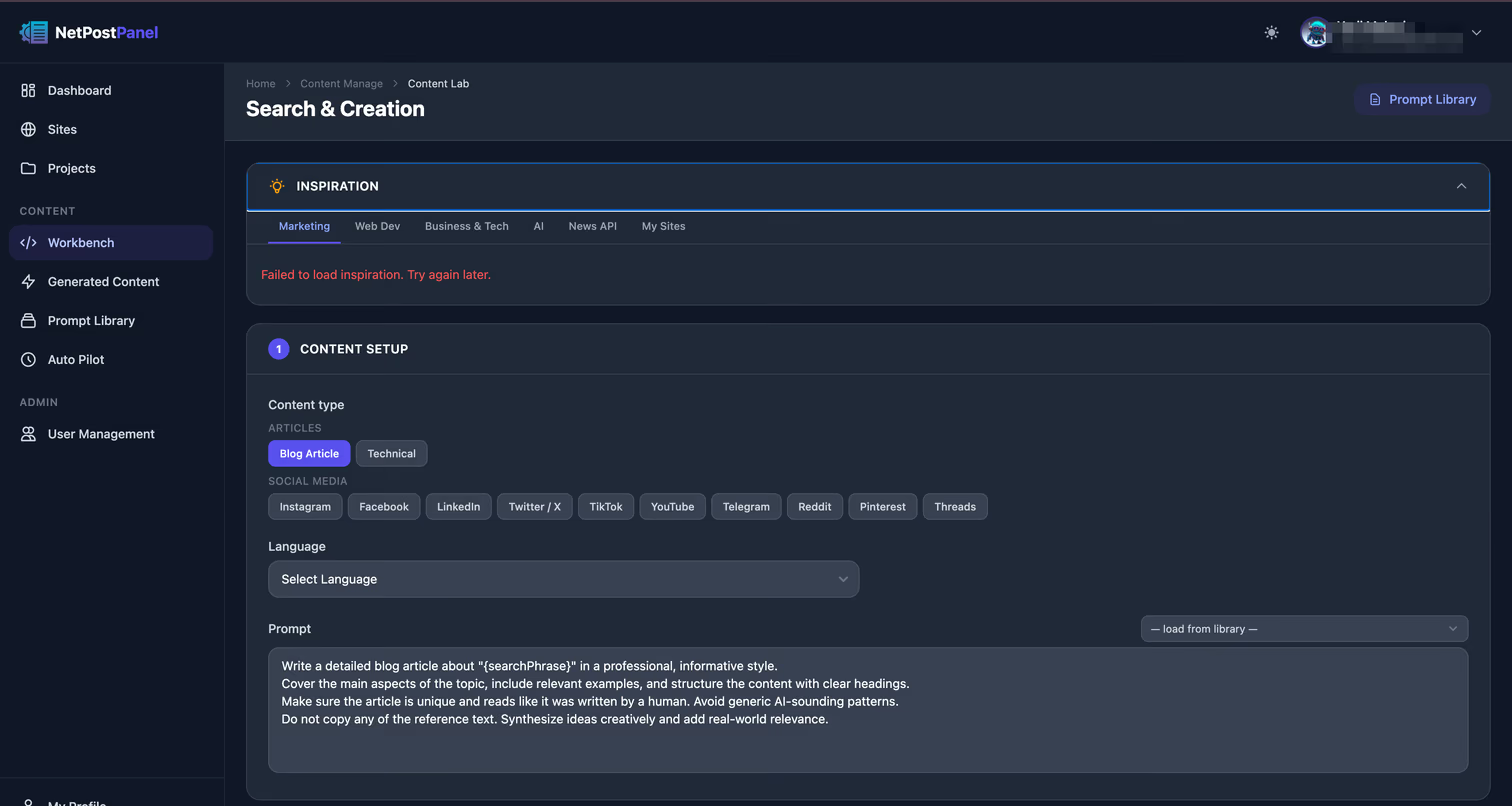
NetPostPanel
AI content-operations platform — a RAG pipeline (research → scrape → generate → vectorize), an external API other apps call, and Auto Pilot for unattended scheduled generation